India's most advanced AI platform for colleges, universities & schools — automate NAAC compliance, admissions, placement drives, DigiLocker verification & alumni engagement. Not just an ERP. A complete digital transformation.










Join Our Growing Family of Institutions
 Sathvika Educational and Charitable Trust
Sathvika Educational and Charitable Trust
 NAND ENGLISH HIGH SCHOOL
NAND ENGLISH HIGH SCHOOL
 Good Shepherd English Junior High School
Good Shepherd English Junior High School
 KYFA
KYFAKYFA
 Wiggle and Wonder preschool
Wiggle and Wonder preschool
 GIVAN ACADEMY
GIVAN ACADEMY
 Bhagyalaxmi Sarla Gurusahani Memorial School
Bhagyalaxmi Sarla Gurusahani Memorial School
 Gian Jyoti Institute of Management and Technology
Gian Jyoti Institute of Management and Technology
 SHAMS GROUP OF INSTITUTION
SHAMS GROUP OF INSTITUTION
 Mideast international islamic preschool
Mideast international islamic preschool
 Nalanda University
Nalanda University
 SD Law College
SD Law College
 Bharatiya Vidya Bhavan
Bharatiya Vidya Bhavan
 Nopany Institute of Healthcare Studies
Nopany Institute of Healthcare Studies
- Nopany Institute of Management Studies
Nopany Institute of Management Studies
 Bhartiya Group Of Colleges
Bhartiya Group Of Colleges
 Sir C R Reddy College of Pharmaceutical Sciences
Sir C R Reddy College of Pharmaceutical Sciences
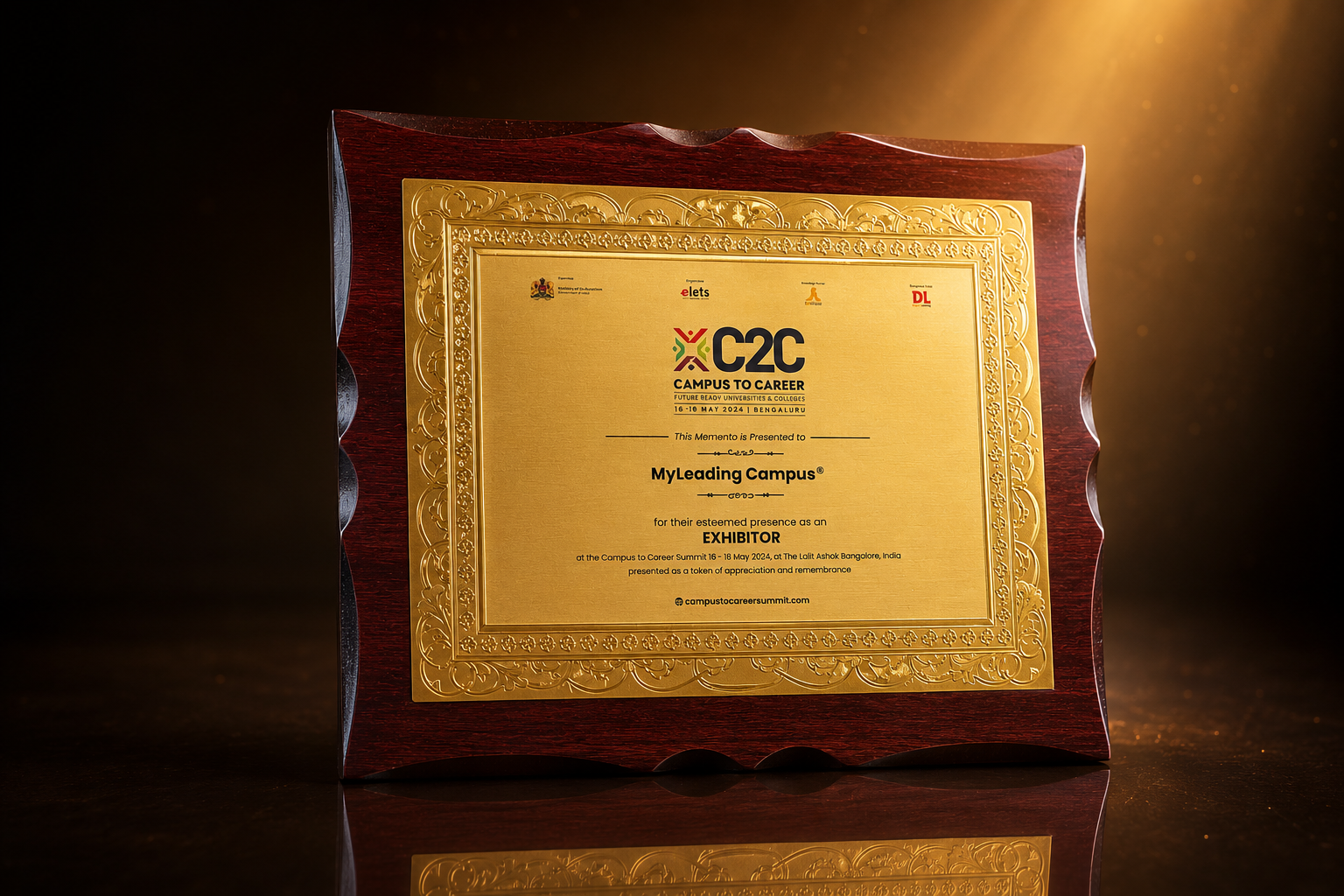
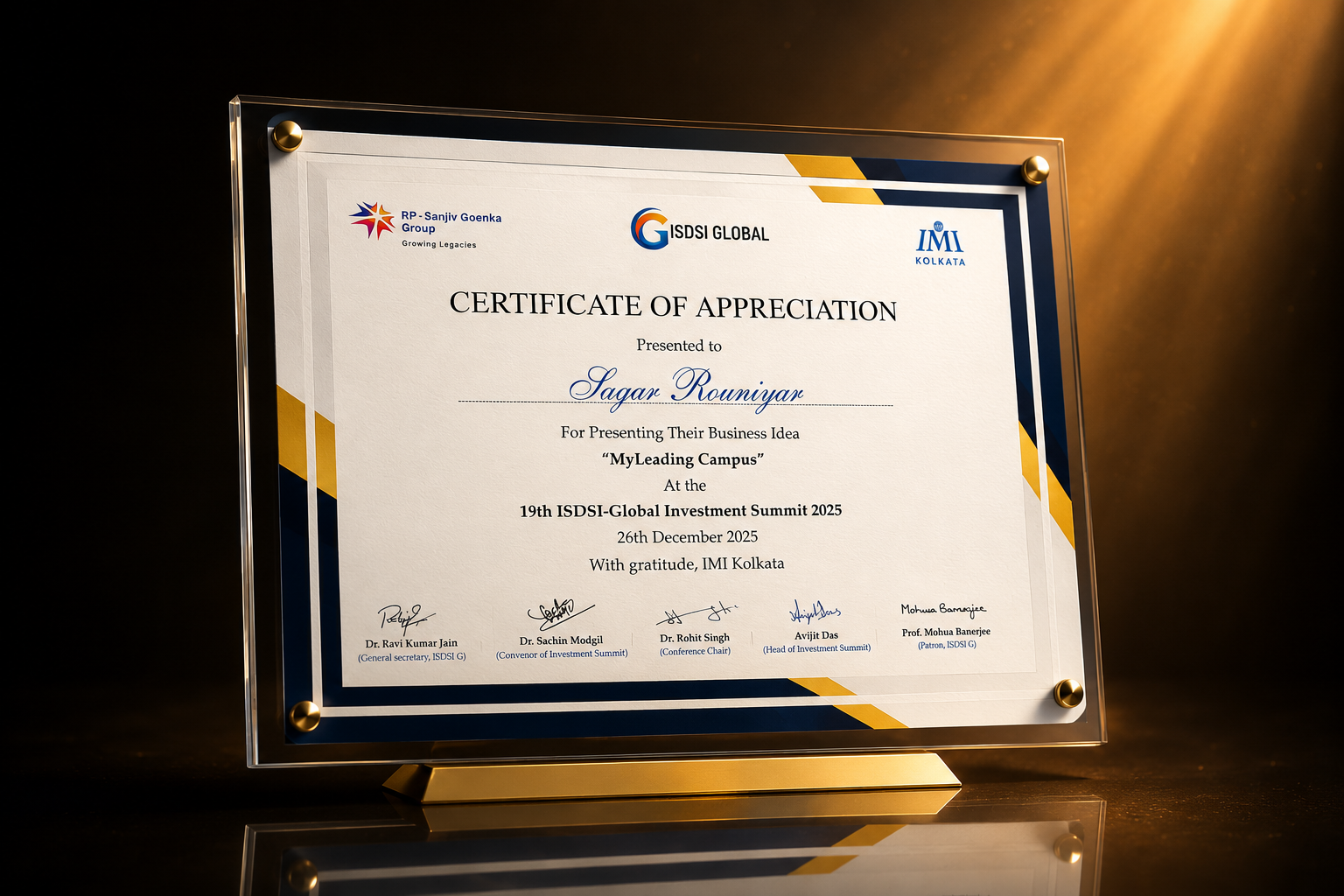
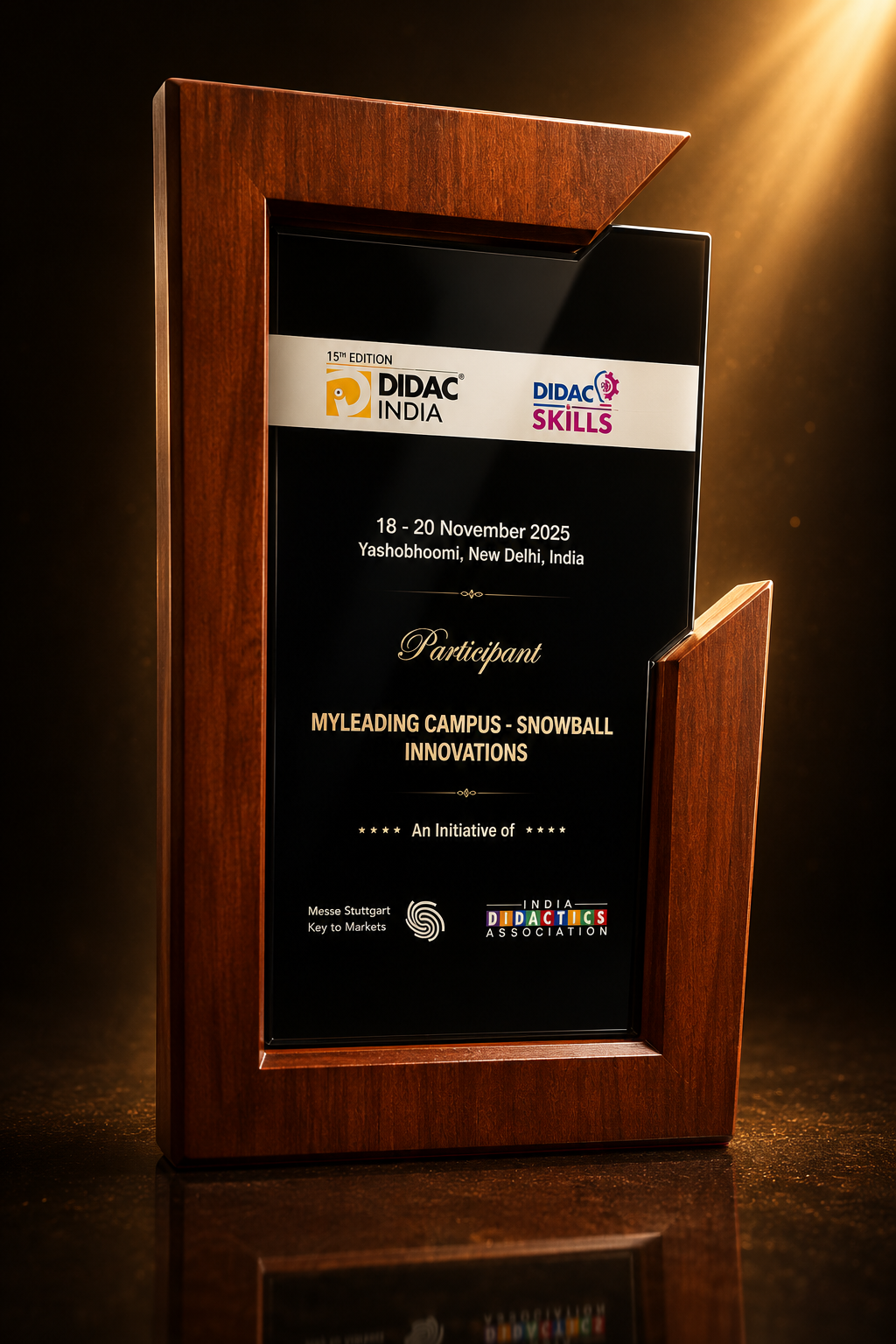
Awards & Recognition



Technical Partners
Integrated with the Tools You Already Trust
MyLeading Campus integrates seamlessly with leading platforms across payments, communication, accounting and learning.





Digital Campus for Colleges, Universities & Schools
From NAAC accreditation to placement drives and alumni networks — manage every dimension of institutional excellence with one AI-powered platform.
 DigiLocker Verified
AI-Powered Admission Management
End-to-end digital admissions with online forms, DigiLocker document verification, AI shortlisting, and automated merit-list generation — zero paperwork.

Offer Letter Sent
Campus Placement Portal
Placement & Alumni Management
Run campus recruitment drives, track company onboarding, generate placement reports, and build a lifelong alumni network — all from one unified portal.

AI-Driven Insights & Analytics
Predict student dropout risks, track academic performance trends, and make data-backed institutional decisions with ML-powered dashboards. Real-time intelligence at every level.

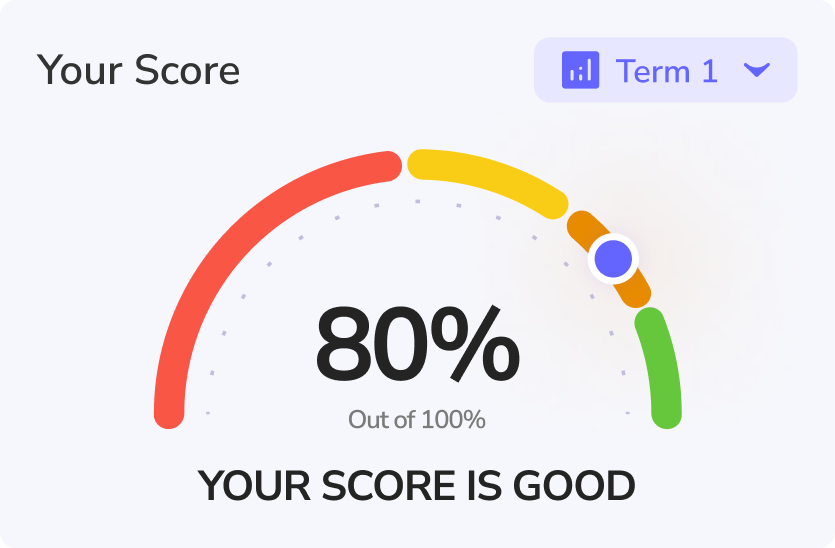
NAAC & Accreditation Compliance
Automate NAAC SSR generation, NBA criteria tracking, CO/PO/PSO outcome mapping, and quality parameter monitoring. Meet every accreditation benchmark without the manual burden.


Admission & Placement Management
End-to-end digital admissions with DigiLocker-verified documents, AI-powered shortlisting, and merit-list generation — plus campus placement drives, recruiter onboarding, and offer-letter tracking.
Recognised & Certified By






Growing Your Institution Is Challenging.
MyLeading Campus ® makes it transformative.





Automate Campus Administration End-to-End
Replace manual workflows across admissions, fees, attendance, exams, timetables, and accreditation with AI-powered automation. Free faculty and staff to focus on what truly matters — education.

India's Most Advanced Digital Transformation Platform for Higher Education
MyLeading Campus® unifies every dimension of institutional management — from classrooms to boardrooms — with AI at the core.


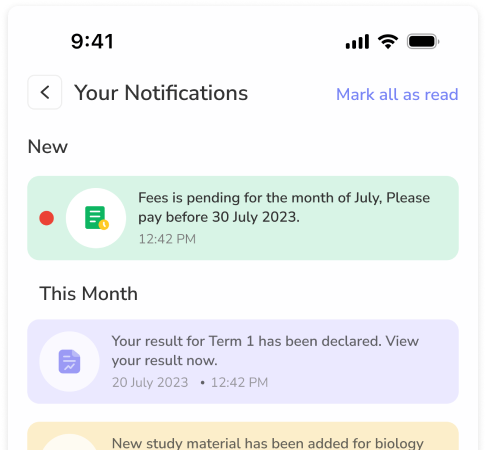

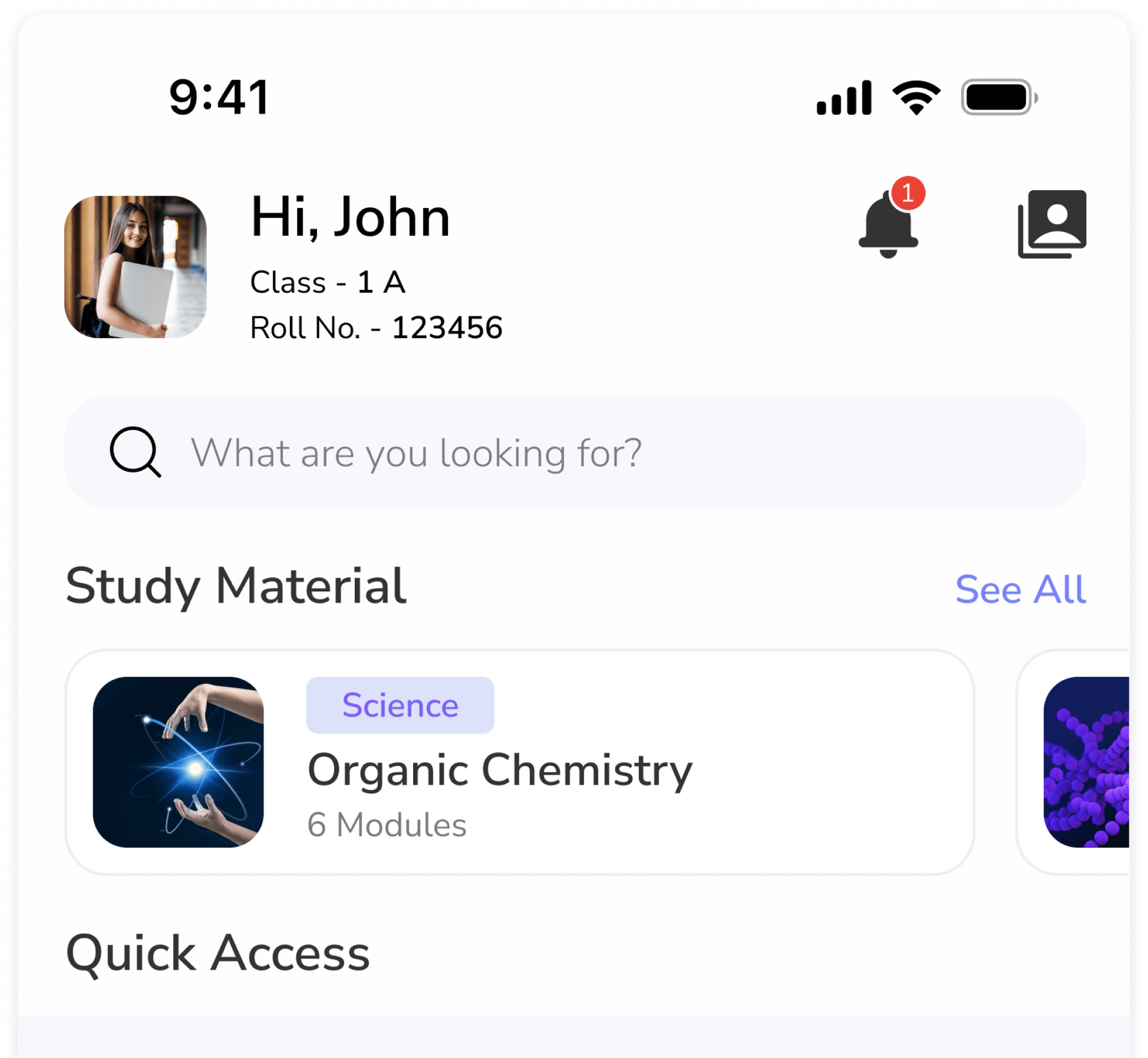
.258d39f2.png)
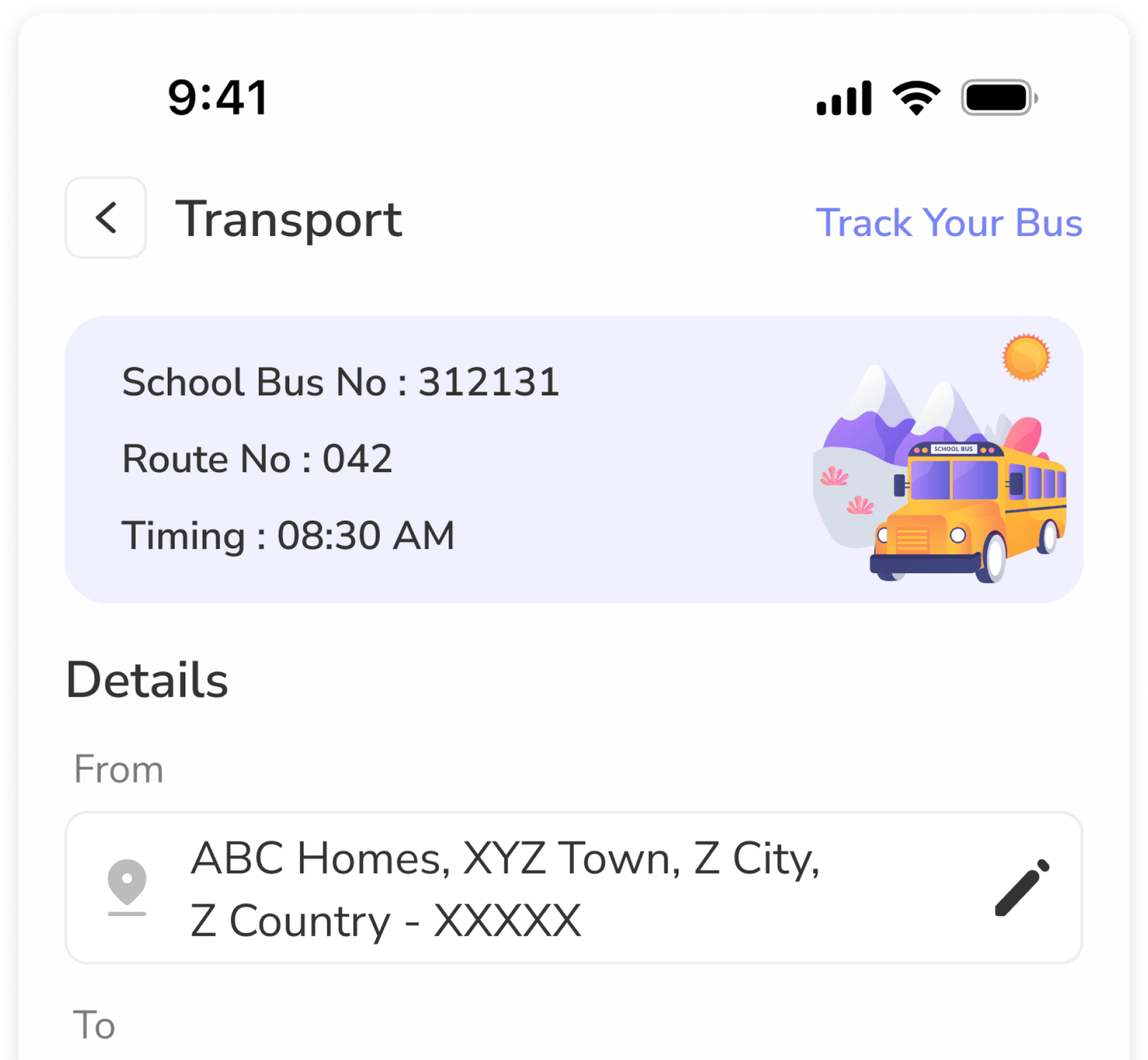
.1920ac0c.png)

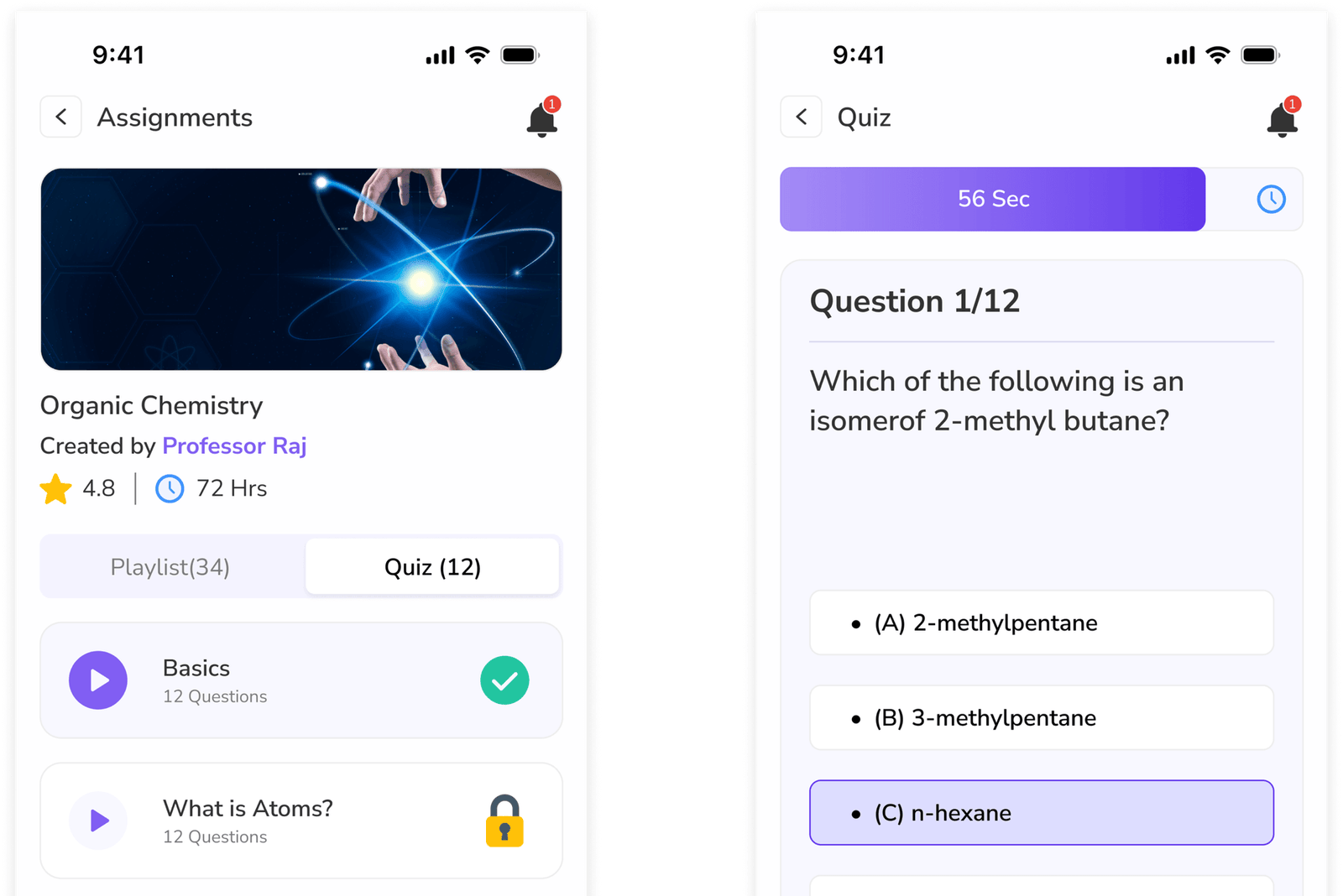
.dd52c9d0.png)
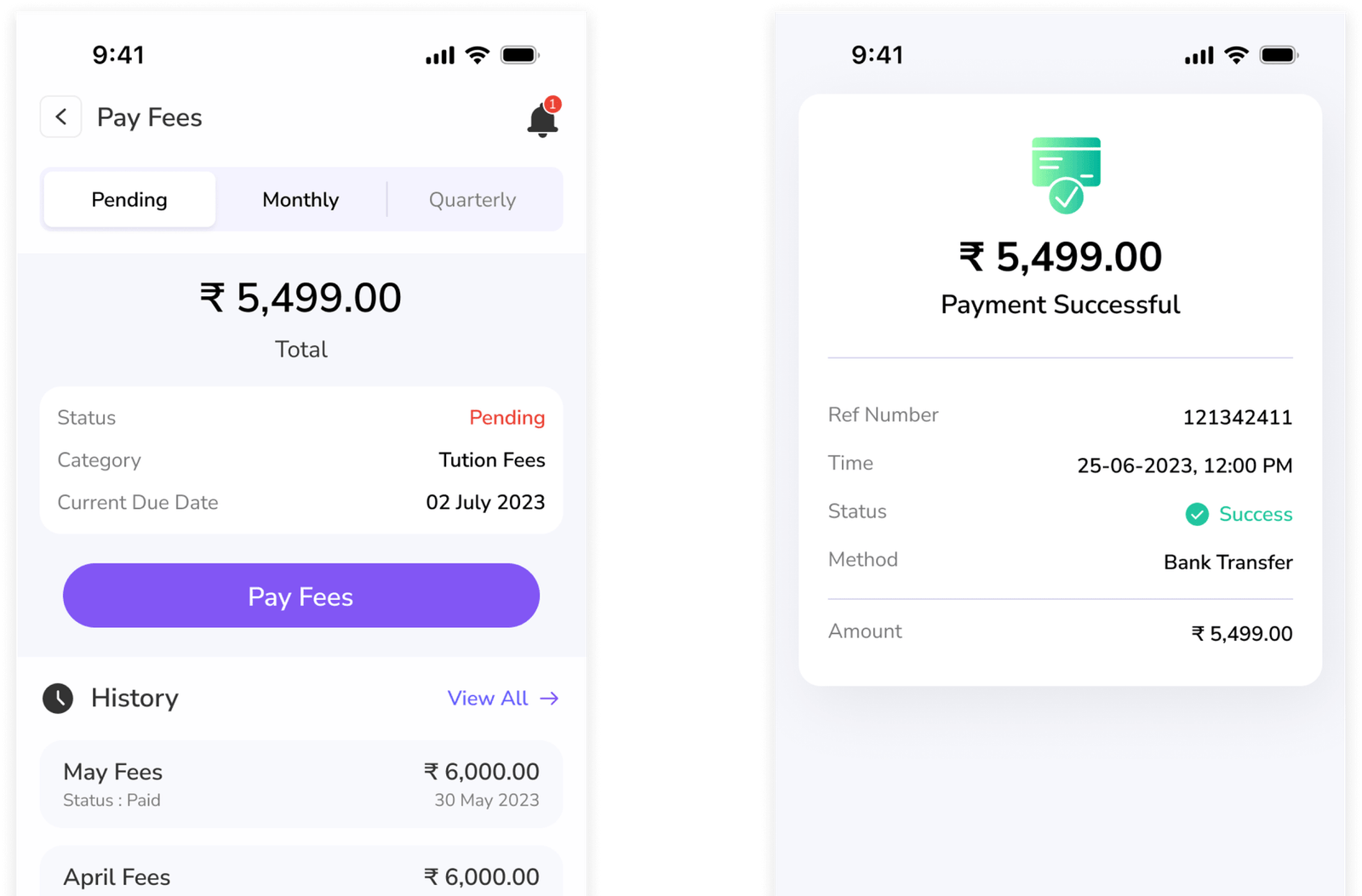

One Platform to Power Your Entire Institution
From student onboarding to alumni engagement — manage admissions, placements, NAAC compliance, and AI-driven insights from one premium platform. No ERP. A complete digital transformation.

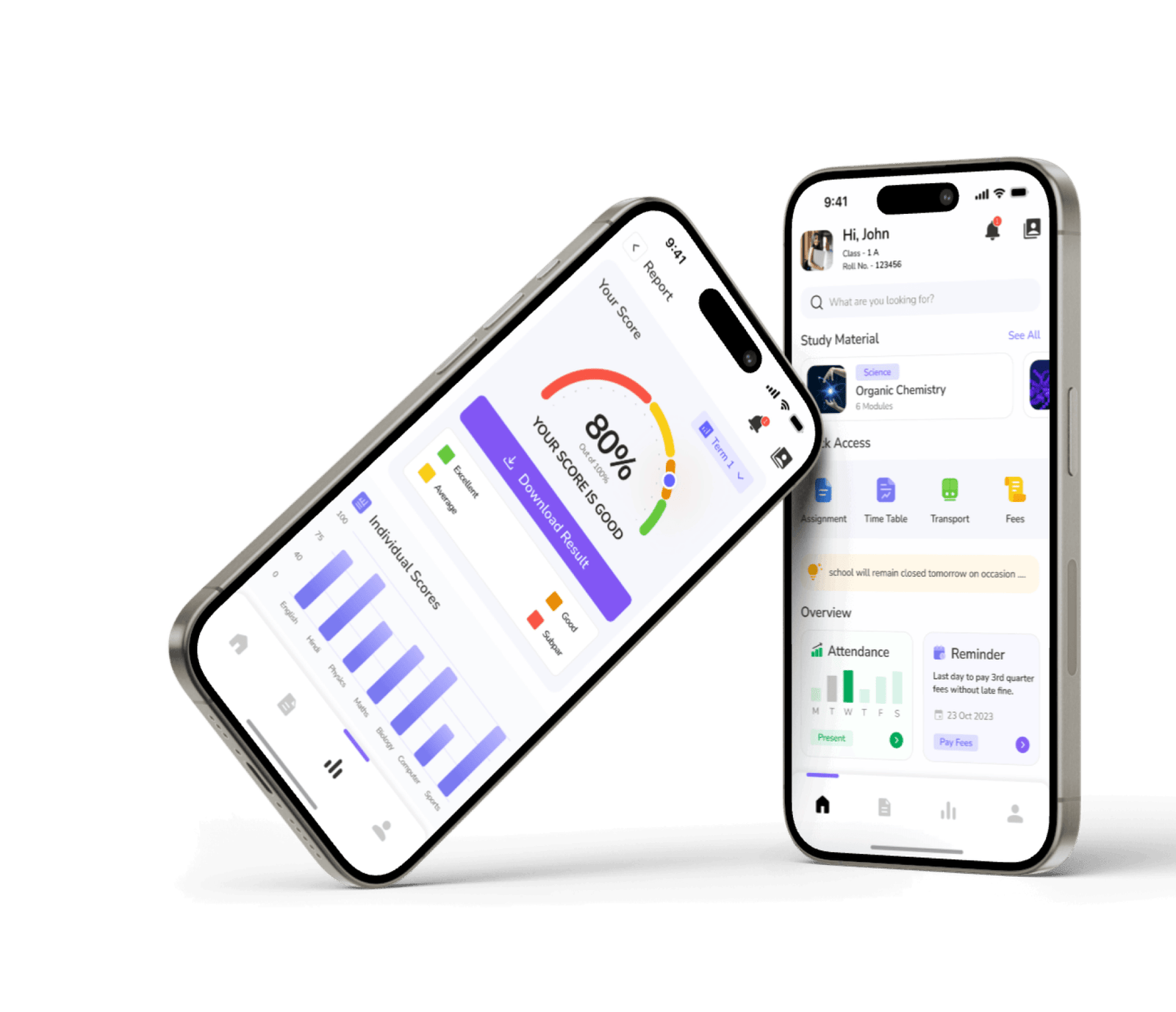
What Our Users Are Saying
Real stories from principals, teachers, parents and administrators across India.
MyLeading Campus has completely transformed our NAAC compliance process. What used to take weeks of documentation now happens automatically. Our SSR was audit-ready in days.

Dr. Suresh Nambiar
Principal · Sri Ramakrishna Engineering College, Coimbatore
The AI-driven insights have changed how we monitor student performance. We can now proactively identify at-risk students and intervene before they fall behind. Remarkable platform.

Prof. Kavitha Reddy
Dean of Academics · Hyderabad Institute of Technology & Management
Admission management is seamless now. DigiLocker integration alone saved us hundreds of man-hours in document verification. Enquiries convert to enrolments much faster.
Manoj Tripathi
Registrar · St. Xavier's University, Kolkata
The campus placement portal is a game-changer. We onboarded 80+ recruiters this year without any manual coordination. Offer letter tracking and analytics are outstanding.
Ritu Sharma
Placement Officer · Amity University, Noida
MyLeading Campus has completely transformed our school's operations. Its intuitive design and robust features help us manage every department efficiently.
Anita Sharma
Principal · Authpur National Model H. S. School
We evaluated five platforms before choosing MyLeading Campus. The depth of NAAC compliance tools, AI analytics, and alumni management is unmatched. Well worth the investment.
Dr. Arjun Mehta
Vice Chancellor · Sunrise Deemed University, Pune
CO/PO/PSO outcome mapping that used to take a full semester now updates in real time. Faculty finally have time to focus on curriculum design rather than accreditation paperwork.
Swati Mishra
HOD — Computer Science · Techno India NJR Institute of Technology
The dashboard provides a complete view of school activities. Managing student data has never been this simple.
Priya Nair
School Administrator · Don Bosco School, Malda
Rolling out MyLeading Campus across three campuses was surprisingly smooth. The support team is responsive and the platform is enterprise-grade — secure, scalable, always up.
Rahul Chauhan
IT Head · Vikramshila Group of Institutions
I stay updated with my child's progress, homework, and attendance in real time. It feels good to be involved and informed as a parent.
Neha Gupta
Parent · Maria's Day School Ramrajatala
We've seen noticeable improvement in operations since implementing MyLeading Campus. It's truly built for Indian schools.
Arun Mehra
School Head · Don Bosco School, Malda
Our alumni network went from a static spreadsheet to an active community. Event RSVPs, mentorship matching, and donation drives — all from one portal. Our alumni engagement tripled.
Pooja Desai
Alumni Relations Manager · GD Goenka University, Gurugram
MyLeading Campus has completely transformed our NAAC compliance process. What used to take weeks of documentation now happens automatically. Our SSR was audit-ready in days.
Dr. Suresh Nambiar
Principal
Sri Ramakrishna Engineering College, Coimbatore
The AI-driven insights have changed how we monitor student performance. We can now proactively identify at-risk students and intervene before they fall behind. Remarkable platform.
Prof. Kavitha Reddy
Dean of Academics
Hyderabad Institute of Technology & Management
Admission management is seamless now. DigiLocker integration alone saved us hundreds of man-hours in document verification. Enquiries convert to enrolments much faster.
Manoj Tripathi
Registrar
St. Xavier's University, Kolkata
The campus placement portal is a game-changer. We onboarded 80+ recruiters this year without any manual coordination. Offer letter tracking and analytics are outstanding.
Ritu Sharma
Placement Officer
Amity University, Noida
MyLeading Campus has completely transformed our school's operations. Its intuitive design and robust features help us manage every department efficiently.
Anita Sharma
Principal
Authpur National Model H. S. School
We evaluated five platforms before choosing MyLeading Campus. The depth of NAAC compliance tools, AI analytics, and alumni management is unmatched. Well worth the investment.
Dr. Arjun Mehta
Vice Chancellor
Sunrise Deemed University, Pune
CO/PO/PSO outcome mapping that used to take a full semester now updates in real time. Faculty finally have time to focus on curriculum design rather than accreditation paperwork.
Swati Mishra
HOD — Computer Science
Techno India NJR Institute of Technology
The dashboard provides a complete view of school activities. Managing student data has never been this simple.
Priya Nair
School Administrator
Don Bosco School, Malda
Rolling out MyLeading Campus across three campuses was surprisingly smooth. The support team is responsive and the platform is enterprise-grade — secure, scalable, always up.
Rahul Chauhan
IT Head
Vikramshila Group of Institutions
I stay updated with my child's progress, homework, and attendance in real time. It feels good to be involved and informed as a parent.
Neha Gupta
Parent
Maria's Day School Ramrajatala
We've seen noticeable improvement in operations since implementing MyLeading Campus. It's truly built for Indian schools.
Arun Mehra
School Head
Don Bosco School, Malda
Our alumni network went from a static spreadsheet to an active community. Event RSVPs, mentorship matching, and donation drives — all from one portal. Our alumni engagement tripled.
Pooja Desai
Alumni Relations Manager
GD Goenka University, Gurugram
Got Questions? We've Got Answers!
Everything you need to know about transforming your college, university, or school with MyLeading Campus®
MyLeading Campus includes built-in NAAC compliance tools that automate SSR (Self-Study Report) generation, CO/PO/PSO outcome mapping, quality parameter tracking, and criterion-wise data aggregation. Your institution stays audit-ready year-round — no last-minute documentation scramble. NBA criteria are tracked continuously so faculty can focus on outcomes, not paperwork.
Absolutely. MyLeading Campus is purpose-built for the full education spectrum — from K-12 schools to autonomous colleges, deemed universities, and multi-campus institutions. Core modules like attendance, fees, and communication serve schools, while advanced modules like NAAC compliance, placement management, alumni portals, and AI-driven analytics serve colleges and universities. You pay for what your institution needs.
MyLeading Campus leverages AI across the platform: ML-powered student performance prediction flags at-risk learners before they drop out; AI admission shortlisting ranks applicants by merit criteria; intelligent scheduling optimises timetables; and natural-language dashboards surface actionable insights from institutional data — all without needing a data science team.
MyLeading Campus connects directly with DigiLocker, India's official government document wallet. During admissions, students share verified academic certificates, Aadhaar, and other credentials directly from their DigiLocker — eliminating manual document collection, forgery risk, and hours of verification work. Issued documents like marksheets and certificates can also be pushed back to students' DigiLocker accounts.
Explore Our Inspiring Blog Posts
Insights, tips, and stories from educational experts and fellow school leaders across India.

Free Alumni Management System for Colleges and Universities: A Practical Guide
Alumni Management System for Colleges and Universities: Why Staying Connected Matters If you have been handling administration at a college for a few years, you have probably seen this happen. A student graduates. We have their phone number, email address, department and batch recorded somewhere. We may even have their photograph from the farewell or convocation. Then life moves on. Two years later, the student changes jobs. The phone number changes. They move from Kolkata to Bengaluru, or from Delhi to Dubai. Someone from the college wants to contact them for an alumni meet, a placement drive or a student mentoring programme. And suddenly the simple question is: “Do we still have the correct contact details?” This is one of the reasons alumni management has become a much bigger administrative issue than it used to be. The challenge is not finding alumni. Most colleges already have thousands of them. The challenge is staying connected with them over the years . We usually have the data. What we don't have is a living database. Many colleges have alumni records. Some are in Excel. Some are in old admission software. Some are with the examination department. Placement officers may have another list. Individual teachers may have personal contacts of former students. The information is there, but it is rarely available in one reliable place. And alumni information has a short shelf life. A graduate who was working at one company last year may have moved to another. Someone may have completed an MBA. Someone may have started a business. Another alumnus may now be working in a position where they can actually help current students. An alumni management system gives the institution one place to maintain these relationships. More importantly, alumni should not have to depend on the college office every time something changes. If they can update their own profile, the database has a better chance of remaining useful. That sounds like a small thing. For an institution with 10,000 or 20,000 alumni, it is not. 1. The real test is not how many alumni are registered I have seen institutions proudly talk about having thousands of alumni in their database. But if only a fraction of them can be contacted, the number doesn't mean much. A strong alumni network is not built by collecting names. It is built by giving former students reasons to come back. An alumnus may want to attend a reunion. Another may want to find people from the same batch. Someone may be willing to mentor a final-year student. A company founder may want to recruit from the institution. Someone else may simply want to share a professional achievement. Good alumni management software gives the institution a place where these things can happen naturally. That is a much more useful objective than simply maintaining a large spreadsheet. 2. Alumni events are harder than they look Ask anyone who has organised a large alumni event. The invitation is usually the easy part. The difficult part is everything around it. Who has confirmed? Who is bringing a guest? Which batch has responded? Who has paid the registration fee? Who attended? Who needs a reminder? When these activities are handled through spreadsheets, email chains and WhatsApp groups, the work quickly becomes difficult to track. An alumni management platform can bring these activities into one system. The institution can create an event, invite alumni, collect registrations, track attendance and communicate reminders. And there is another advantage: the information remains available after the event. Next year, you don't have to start from zero. 3. Your alumni are also a career resource This is where I think many institutions underuse their alumni network. Suppose a final-year student wants to enter the banking sector. There may be ten alumni from the same college already working in banks. A student interested in software may have alumni working at technology companies. Someone interested in entrepreneurship may find a founder from an earlier batch willing to share their experience. These connections are valuable because they are not theoretical. The person on the other side has actually gone through the same institution. An alumni management system for colleges can make these connections easier through alumni directories, networking, mentoring and job or internship opportunities. The same graduate who once needed help finding their first job may, five years later, become the person offering an internship to another student. That is how an alumni network becomes useful. 4. Placement should not stop at the placement office There is also a practical connection between alumni management and placements. Alumni know what companies are looking for. They know which skills matter. They know what interviews are really like. They may also know when their organisation is hiring. A college that maintains a good alumni network can use those relationships to create more opportunities for current students. This does not replace the Training & Placement department. It gives the department another channel to work with. And sometimes the best placement relationship starts with a former student answering one phone call. 5. Communication is another problem colleges underestimate Most institutions do not have a shortage of things to communicate. The problem is deciding what should go to whom. An alumni reunion invitation is not relevant to every graduate. A mentoring request may be relevant to alumni from a particular department. A job opportunity may be useful to graduates with a particular skill set. A central alumni platform makes this kind of communication easier to organise. Instead of repeatedly searching through old lists, the institution can communicate with alumni based on available profile and group information. The aim should not be to send more messages. It should be to make each message more useful. 6. There is an institutional benefit too Alumni information can tell a college quite a lot about what happens after graduation. Where are graduates working? Which industries are they entering? How many have moved into higher education? Which companies are hiring them? How many alumni participate in mentoring, events or other institutional activities? Over time, this information can help administrators understand the longer-term outcomes of their programmes. It can also make institutional reporting and accreditation-related documentation more organised. Instead of trying to reconstruct alumni activities at the end of the year, the institution has a record of what has actually happened. 7. So what should a college look for? I would keep the checklist fairly simple. An alumni management software should make it easy to maintain alumni records, allow graduates to update their information, support communication and events, and provide useful networking opportunities. Mentoring, job and internship sharing can add considerable value. Reporting also matters. If the principal or alumni coordinator cannot understand what is happening in the network, having the data does not help much. And perhaps most importantly, the system should be easy enough that staff and alumni actually use it. A complicated platform can become another abandoned database. Where MyLeading Campus comes in MyLeading Campus Alumni Management System is built around this practical side of alumni management. The platform provides institutions with a central alumni database along with tools for networking, communication, events, mentoring, job opportunities and reporting. For an institution that wants to start without a complicated setup, a Free Alumni Account can be created online. Alumni and students can register through the Student / Alumni Registration page . The question is not “How many alumni do we have?” That question is easy to answer. The better question is: “How many of our alumni can we still reach, and how many of them are actually connected with the institution?” A graduate should not become an old entry in an Excel sheet the day they leave campus. They can become a mentor. A recruiter. A guest speaker. A donor. A source of internships. A connection for another student. Or simply someone who still feels that the college they attended is part of their life. That is the real purpose of an alumni management system . Not to maintain a bigger list. To build a relationship that continues long after graduation. Contact for free demo and consultation +91-9874344994 or Click here

NAAC Criteria 2026: What Colleges Need to Know About SSR, IQAC, DVV & Documentation
Understanding the Seven NAAC Criteria: A Practical Guide to SSR, IQAC, DVV, Documentation and Evidence If you have ever sat in an IQAC meeting during NAAC preparation, you will know that the difficult part is rarely understanding what the institution does. The difficult part is proving it. A college may have conducted 40 seminars in the last three years. The faculty may have published papers, students may have participated in extension activities, departments may have collected feedback, and the management may have introduced several new academic initiatives. But when the question comes — "Where is the evidence?" — the room can suddenly go quiet. Someone starts searching an old computer. Someone calls a department coordinator. Someone checks Google Drive. Someone finds a photograph but cannot locate the attendance sheet. Another person has the attendance sheet but no report. This is where NAAC preparation becomes difficult. And this is also why understanding the seven NAAC criteria properly matters. The criteria are not seven unrelated chapters that need to be filled before submitting the Self Study Report. They are different ways of looking at the same institution. How does it design and deliver its curriculum? How does it teach? What does it do in research? Are its facilities adequate? What happens to students after admission? How is the institution governed? And perhaps most importantly, what values does it actually follow? NAAC's current assessment systems and portals continue to evolve, so institutions should always use the latest applicable manual, notification and portal instructions for their category of institution. With that in mind, let's look at the seven criteria in practical terms. Criterion 1: Curricular Aspects Criterion 1 is about the curriculum. But it isn't simply asking, "Does your college have a curriculum?" Every recognised institution has one. The more useful question is: How does the institution contribute to, implement, review and improve its curriculum? For an affiliated college, this may involve explaining how effectively it implements the curriculum prescribed by the university. For an autonomous institution, the discussion can be broader because the institution has greater flexibility in curriculum design and revision. Suppose a college introduces a new course on Data Analytics. The course itself is one thing. NAAC-related evidence could involve the process behind it: Why was the course introduced? Was there an industry requirement? Was feedback collected from students? Did faculty members participate in curriculum development? Were Board of Studies discussions held? Was the syllabus reviewed? Were new teaching resources created? This is an important distinction. A good NAAC file doesn't simply show that something happened. It helps explain why it happened and what changed because of it. Institutions therefore need to preserve more than the final syllabus document. Minutes, curriculum revision records, feedback analysis, academic plans, value-added courses, certificate programmes and other supporting records may become important depending on the applicable framework and metric. Criterion 2: Teaching, Learning and Evaluation This is where the everyday academic life of a college becomes visible. Students enter classrooms. Teachers prepare lessons. Internal assessments happen. Examinations are conducted. Results are declared. But NAAC looks beyond the timetable. How does the institution address students with different learning needs? How are teaching methods planned? How are learning outcomes considered? How does the institution evaluate student performance? What happens when students don't perform well? Consider a simple example. Suppose a first-year class has 60 students. At the end of the semester, 12 students perform poorly in a particular subject. A college could simply record the marks and move on. Another college might identify those students, conduct remedial classes, provide additional learning material, monitor attendance, and assess their progress again. The second approach tells a much better institutional story. And the evidence could be quite straightforward: List of students identified Remedial timetable Attendance records Faculty report Learning material Assessment results Outcome analysis The important thing is that these records should be genuine and maintained as part of academic practice—not created after the fact simply because accreditation is approaching. Criterion 3: Research, Innovations and Extension Ask most colleges about research and you'll probably hear about publications first. But research is only part of the picture. Criterion 3 also brings attention to innovation, consultancy, collaboration, extension activities and institutional contribution to society, depending on the applicable framework. Take an NSS activity. A group of students visits a nearby community and conducts a health awareness programme. The photograph is useful. But by itself, it tells very little. A stronger record might include: Programme proposal Permission letter Participant list Attendance Photographs Report Feedback Outcomes Follow-up activity Now there is a story. The college planned something, students participated, the activity happened, and the institution can explain what came out of it. The same principle applies to research. A publication list is useful, but institutions should maintain the supporting information and evidence required under the applicable NAAC metric. Faculty research, funded projects, patents, publications, consultancy, collaborations and innovation activities should not be documented only when the SSR is being prepared. Criterion 4: Infrastructure and Learning Resources This is probably the criterion people understand most easily. Buildings. Laboratories. Libraries. Classrooms. IT facilities. Sports facilities. Infrastructure is visible, so documentation often feels easier. But there is a trap here. A college can have an impressive building and still have weak evidence around the use and maintenance of resources . Imagine a laboratory containing 50 computers. A photograph shows that the computers exist. It doesn't necessarily show whether students use them. A better record could include: Asset information Laboratory utilisation Maintenance records Software availability Student usage Timetables AMC records Purchase documents Upgradation records Similarly, a library isn't just shelves full of books. Institutions may need to demonstrate how library resources support teaching and learning, how students access resources, what digital facilities are available, and how the library is managed. The lesson is simple. Infrastructure is not only about what an institution owns. It is also about how those resources are maintained and used. Criterion 5: Student Support and Progression This criterion brings the focus back to students. And it covers much more than placements. Think about a student entering college at 18. Over the next three or four years, the institution may provide scholarships, mentoring, counselling, skill development, competitive examination support, career guidance, internships and other forms of assistance. All of this becomes part of the student's institutional experience. Suppose a college conducts a competitive examination coaching programme. A photograph of the programme is one piece of evidence. But a useful record could include: Announcement Student registration Attendance Programme schedule Resource person details Feedback Outcome Follow-up Similarly, if an institution has a mentoring system, simply having a mentoring policy isn't enough to tell the whole story. The institution should be able to demonstrate that mentoring actually happens. This is one area where student progression data becomes particularly important. Higher education institutions increasingly need reliable records covering progression to higher education, employment, placements, internships, entrepreneurship and other relevant outcomes, according to the applicable NAAC requirements. Criterion 6: Governance, Leadership and Management This is where NAAC begins looking at the institution from the management side. How does the leadership function? How are decisions made? How are plans implemented? How does the institution manage human resources? How does it monitor performance? How does it handle financial management? A college may have a strategic plan sitting in a file. That's useful. But the stronger question is whether the institution actually follows it. Suppose the strategic plan says the college wants to improve research output over three years. What happened next? Were research incentives introduced? Were faculty development programmes conducted? Were seed grants provided? Did publications increase? Was the plan reviewed? That chain—from plan to action to review —is far more meaningful than a document sitting in a cupboard. This is also why IQAC and institutional leadership cannot work separately. Quality assurance becomes meaningful when recommendations actually reach decision-makers. Criterion 7: Institutional Values and Best Practices Criterion 7 can sometimes be misunderstood as the "miscellaneous" criterion. It isn't. It asks institutions to demonstrate the values that shape their functioning. Gender equity. Environmental responsibility. Inclusiveness. Professional ethics. Accessibility. Community responsibility. Best practices. For example, a college may claim that it is environmentally conscious. What does that mean in practice? Maybe the institution has solar panels. Maybe it conducts waste segregation. Maybe it has a rainwater harvesting system. Maybe students participate in environmental campaigns. The evidence should show the actual practice rather than simply making the claim. The same applies to institutional best practices. A best practice doesn't have to be something extraordinary. It could be a simple system that the institution has developed and implemented consistently and that produces a meaningful outcome. So, Where Does the SSR Come In? Now we reach the document that makes NAAC preparation feel real for most institutions. The Self Study Report , or SSR. The name itself is important. It is a self-study . The institution is essentially saying: "This is who we are. This is what we do. This is the evidence. This is where we have improved. And these are the areas where we still have work to do." That is why writing an SSR should not be treated like filling out a form. It should be the result of institutional data and reflection collected over time. A weak SSR tends to make broad claims. A stronger SSR connects claims with data, documents and outcomes. For example: "The institution encourages faculty development." That's a statement. A more useful institutional record could show the number of faculty development programmes, participation, faculty members trained, topics covered and outcomes, wherever required under the relevant metric. The second version is measurable. And measurable claims are easier to verify. IQAC: The People Who Keep the System Moving If NAAC is a long journey, IQAC—the Internal Quality Assurance Cell—is one of the teams sitting in the driver's seat. The IQAC's role isn't simply to prepare the SSR. It is expected to contribute to institutional quality assurance and continuous improvement. That means coordinating quality initiatives, maintaining records, reviewing feedback, encouraging good practices and helping departments work towards institutional goals. In a well-functioning institution, IQAC shouldn't become active only during accreditation season. It should be involved throughout the academic year. A typical cycle might look like this: Plan → Implement → Collect evidence → Review → Improve → Document Then the cycle starts again. That is much healthier than: NAAC notification → panic → document collection → SSR → accreditation → forget everything. And Then Comes DVV One of the terms that frequently causes anxiety during NAAC preparation is DVV , or Data Validation and Verification . The reason is straightforward. The information submitted by an institution isn't simply accepted at face value. Where applicable, data and claims are subjected to validation and verification processes according to the assessment framework. This is why data accuracy matters enormously. If an institution reports one number in one place and another number elsewhere, questions can arise. If a document doesn't support the submitted claim, it can create problems. If a certificate has inconsistent dates, the institution may need to clarify it. This is why NAAC preparation should involve a basic rule: Never submit a number simply because someone thinks it looks good. Submit a number because the institution can support it. Documentation: The Part Nobody Enjoys Until They Need It There is an old habit in academic administration that causes unnecessary trouble. Keep the document somewhere. We'll find it later. Later usually arrives during accreditation preparation. Then the search begins. A better system is to organise evidence at the time an activity takes place. Suppose a department conducts a seminar in September. Don't wait until the next accreditation cycle. Create the record immediately: Event → approval → notice → registration → attendance → photographs → report → feedback → outcome The same approach can be followed for FDPs, workshops, extension activities, student programmes, committee meetings, research activities and other institutional initiatives. This creates something extremely valuable. Not just a document repository. An institutional memory. The Real Question Isn't "Do We Have the Documents?" It is: Can we find the right evidence in five minutes? That is a much better test of NAAC readiness. If the answer is yes, the institution is probably on the right track. If the answer is no, there is still work to do. And this is exactly where digital NAAC management systems can make a practical difference—not by creating evidence, but by helping institutions organise the evidence they already generate. For institutions looking to move away from scattered folders and last-minute document collection, a dedicated NAAC management platform can bring criteria, departments, documents, reports and evidence into one organised workflow. MyLeading Campus offers a NAAC management platform that institutions can explore through its free trial : Start Free NAAC Trial The point isn't to make NAAC preparation "automatic." No software can replace institutional work. The useful part is making sure that when the work happens, the record doesn't disappear. The Better Way to Think About NAAC After going through the seven criteria, SSR, IQAC and DVV, there is a simpler way to understand the whole process. NAAC preparation is essentially a chain. Activity → Evidence → Data → Review → Improvement Break one link and the story becomes difficult to prove. Do the activity but don't document it, and the evidence is missing. Document it but don't analyse it, and the improvement story is weak. Collect data but never act on it, and quality assurance becomes paperwork. The institutions that understand this don't wait for an accreditation notification. They build the habit into everyday administration. And that, ultimately, is what makes NAAC preparation less stressful. Not a bigger file room. Not more paperwork. Just a better system for remembering what the institution has actually done.

Understanding the Seven NAAC Criteria: What Assessors Actually Look For- 2026
NAAC Accreditation Guide for Colleges and Universities (Part 2) Understanding the 7 NAAC Criteria, SSR, IQAC, DVV & Documentation That Decides Your Grade If you've ever spoken to someone who has been through a NAAC accreditation cycle, you'll notice one common theme. They rarely complain about the peer team visit. They complain about everything that happens before it. Months of collecting files. Hundreds of documents. Endless Excel sheets. Departments chasing each other for reports they should have prepared years ago. Faculty searching old emails. Administrators trying to remember where last year's meeting minutes were saved. The irony? Most colleges are already doing good work. The problem is they cannot prove it. NAAC doesn't evaluate intentions. It evaluates evidence. That is why institutions with average infrastructure sometimes secure better grades than colleges with excellent facilities. One documented everything. The other assumed everyone already knew how good they were. In this part of the guide, we'll move beyond the theory of accreditation and focus on what actually happens during the process. You'll understand: The seven NAAC criteria in simple language What assessors actually expect under each criterion Why the Self Study Report (SSR) is so important The role of IQAC What Data Validation and Verification (DVV) really means Documentation mistakes that reduce grades Let's begin. Understanding the Seven NAAC Criteria Many institutions think there are hundreds of parameters. Technically, yes. Practically, every parameter falls under just seven broad categories. Think of these as seven questions NAAC asks every institution. Start a Free Trial of the MyLeading Campus NAAC Management Portal: Click here Criterion 1 — Curricular Aspects Question NAAC asks: "How effectively does your institution design, deliver and improve education?" This isn't only about having a syllabus. Reviewers want to know whether learning is actually planned. They check whether the curriculum remains updated, whether industry needs are considered, whether feedback is collected from students, alumni, employers and faculty, and whether academic flexibility exists. For autonomous institutions, curriculum design carries even greater weight. For affiliated colleges, the focus shifts toward implementation. Typical evidence includes: Academic calendar Board of Studies meetings Feedback reports Curriculum revision documents Value-added courses Add-on certifications Internship integration Cross-disciplinary initiatives Many colleges conduct excellent certificate programs but never maintain proper documentation. As far as NAAC is concerned, undocumented activities simply don't exist. Criterion 2 — Teaching, Learning and Evaluation This is usually considered one of the most important criteria. NAAC wants to understand one thing: "How well are students actually learning?" Reviewers examine every stage of teaching. How students are admitted. How slow learners are supported. How advanced learners are challenged. Whether teaching methods are innovative. Whether technology is integrated. How examinations are conducted. How learning outcomes are measured. Institutions often focus heavily on classroom teaching but ignore outcome measurement. Today's education is moving toward Outcome-Based Education (OBE). That means colleges must show measurable improvement rather than simply reporting classroom activities. Important documentation includes: Lesson plans Attendance records Course outcomes Program outcomes Faculty workload Internal assessment reports Student progression analysis Examination results Mentor-mentee records Remedial classes Bridge courses Good teaching without documentation becomes average evidence. Average teaching with excellent documentation often scores better. That's the reality of accreditation. Start a Free Trial of the MyLeading Campus NAAC Management Portal: Click here Criterion 3 — Research, Innovation and Extension Many institutions panic when they hear the word "research." They immediately assume only IITs or central universities perform well here. That's not true. NAAC evaluates research according to the institution's nature and capacity. Reviewers consider: Research publications Books Patents Consultancy projects Funded research Innovation activities Start-up ecosystem Community outreach NSS NCC Extension programs If your faculty regularly publish papers but publication records are scattered across departments, you'll spend weeks collecting information during accreditation. If your data is maintained continuously, the process becomes significantly easier. Documentation matters as much as the activity itself. Criterion 4 — Infrastructure and Learning Resources Most people assume this criterion only concerns buildings. It doesn't. NAAC evaluates whether infrastructure actually supports learning. This includes: Smart classrooms Laboratories Library usage Digital library Internet connectivity Learning Management Systems ICT-enabled classrooms Sports facilities Hostel facilities Campus maintenance Green campus initiatives Interestingly, NAAC doesn't reward institutions merely for having expensive infrastructure. They reward utilization. A laboratory used every day creates stronger evidence than a laboratory worth crores that remains locked. Usage statistics matter. Criterion 5 — Student Support and Progression This criterion focuses entirely on students. NAAC wants evidence that students are not forgotten after admission. Institutions should demonstrate: Scholarships Career guidance Placement support Higher education progression Competitive exam coaching Skill development Alumni engagement Student grievance system Mentoring Sports achievements Cultural participation Placement data becomes especially important. Not just placement numbers. Verified placement records. Salary offers. Company names. Offer letters. Higher education admissions. Entrepreneurship. Many colleges underestimate alumni engagement. Strong alumni networks often contribute significantly to institutional credibility. Criterion 6 — Governance, Leadership and Management This criterion evaluates leadership. NAAC examines whether institutional management is proactive or reactive. Reviewers expect evidence of: Strategic planning Vision and mission Financial management Faculty development Internal audits Performance appraisal HR policies E-governance Administrative transparency Institutions that operate purely on verbal communication often struggle. Every committee meeting should produce minutes. Every decision should have records. Every policy should be documented. Good governance leaves a paper trail. Start a Free Trial of the MyLeading Campus NAAC Management Portal: Click here Criterion 7 — Institutional Values and Best Practices This criterion reflects institutional culture. It includes: Environmental sustainability Gender equity Inclusiveness Accessibility Energy conservation Waste management Ethical practices Human values Community engagement One area many colleges underestimate is documenting best practices. Having one outstanding institutional initiative is valuable. Explaining its planning, implementation, impact and sustainability is even more valuable. The Self Study Report (SSR): Your Institution's Story If the peer team visit is the interview, the Self Study Report is the resume. And just like a resume, first impressions matter. The SSR explains who you are, what you've achieved and how every claim is supported by evidence. A poorly prepared SSR immediately creates doubt. A well-prepared SSR builds confidence before reviewers even arrive. The biggest misconception? People think SSR is just a lengthy document. Actually, it is a structured evidence-based report. Every number. Every percentage. Every achievement. Every statement. Needs supporting proof. The stronger your documentation, the stronger your SSR. IQAC: The Department That Should Never Sleep Many institutions become active only six months before accreditation. That is exactly why they struggle. The Internal Quality Assurance Cell (IQAC) exists to prevent this. Its role isn't preparing for NAAC. Its role is preparing the institution every single day. An effective IQAC continuously monitors: Academic quality Documentation Feedback collection Faculty development Institutional audits Best practices Student satisfaction Data collection Annual Quality Assurance Reports (AQAR) Think of IQAC as quality control. Instead of preparing for accreditation every five years, you remain accreditation-ready every day. That's a huge difference. What is DVV? One of the most misunderstood stages in accreditation is Data Validation and Verification (DVV). After submitting the SSR, NAAC doesn't simply accept every claim. Independent experts verify your data. Suppose your college claims: 500 research papers 95% placements 150 extension activities 100 faculty development programs DVV reviewers ask one question. "Show us the proof." They verify documents, cross-check numbers, compare uploaded evidence, and identify inconsistencies. If documentation doesn't support claims, scores reduce. This is why inflated reporting often backfires. Honest reporting with strong documentation performs far better than exaggerated claims with weak evidence. Documentation: The Silent Grade Booster Ask experienced accreditation coordinators where institutions lose marks. Most won't say teaching. They won't say infrastructure. They'll say documentation. Common problems include: Missing attendance registers Unsigned meeting minutes Broken website links Missing photographs No geo-tagged images Inconsistent data across departments Incorrect dates Duplicate reports Missing utilization certificates Incomplete audit reports Unverified placement records Missing student feedback analysis None of these necessarily indicate poor institutional quality. But they create gaps in evidence. And NAAC evaluates evidence. The Biggest Lesson Accreditation isn't won during the peer team visit. It isn't won while writing the SSR. It isn't even won during the accreditation year. It is won through disciplined documentation over several years. The colleges that secure the highest grades usually don't work harder during NAAC. They work consistently long before NAAC arrives. Every committee meeting is recorded. Every event is documented. Every feedback form is archived. Every report is organized. Every department knows its responsibilities. When accreditation begins, they're simply presenting what they've already been maintaining. Start a Free Trial of the MyLeading Campus NAAC Management Portal: Click here
Ready to Lead India's Digital Education Revolution?
Join 500+ colleges, universities & schools transforming their campuses with AI-powered digital management. NAAC-ready. DigiLocker integrated. Alumni connected.